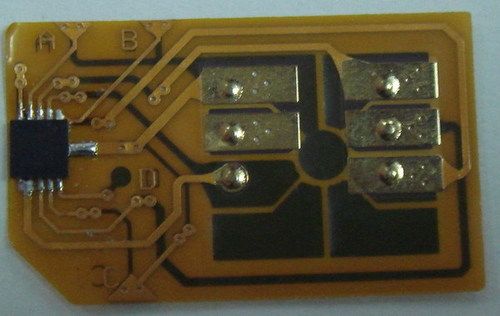
Super Xsim
Get Latest Price

In Stock
Product Overview
Key Features
If you want to change SUPER X-SIM work in other models, do it as follow:
- Set your SIM PIN: 1234 and activate it
- Insert the Super X-SIM III with the SIM together to phone and power on the phone
- Enter the code follow.( for example: if you want to unlock BB5, enter code 0032, then press ok)
- Now the Super X-SIM III has set as BB5 working mode.
(if you want to change as other working mode, for example Sharp 804, power off the phone, then power on again, enter the sharp 804 code 0102, X-SIM now has set as Sharp 804 code)
(if you have one locked phone, but don't know use what code, you can use above method and change code one by one)
2. Fixed Working code (most phone use these code):
0001 IPHONE, NOKIA N80...ETC
0003 NOKIA DCT4/WD2/DL/DCT3, ZTE, HUAWEI, SONY_ERICSSON... ETC
0005 SHARP 904, SAGEM, BLACKBERRY, SONY_ERICSSON...ETC
0006 SHARP 920
0014 LGU970 (111011111)
0032 NOKIA BB5, LG, SAMSUNG...ETC
0034
0036 TOSHIBA, SAMSUNG...ETC
0037 NOKIA BB5, LG, SAMSUNG...ETC
0038 sagem my 600v2 (110010000)
0039 vodafone 810 (011000000)
0040 vodafone 810-Gigi_kent (111101100)
0041 N95 6120, N73 N76, V3XX, V8, BB8001, 8800, SAMP910, LG U960 HW128
0042 ZTEF230, HW 120, LG U250, U450a (111100000)
0043 MY600V (111110000)
0044 LGU990, KU580, U370, U310 (10110000)
0045 W2001 (111111100)
Company Details
Focusing on a customer-centric approach, shanda has a pan-India presence and caters to a huge consumer base throughout the country. Buy Network Engineering in bulk from shanda at Trade India quality-assured products.
Business Type
Manufacturer, Distributor
Related Products
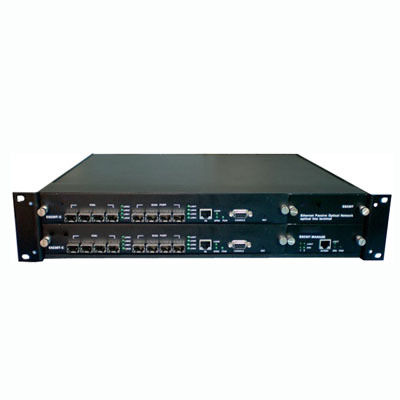
EPON OLT - 1.25Gb/s High-Performance FTTH Solution | 32 ONUs, QoS Control, Flexible Networking
Thk Technology Co.,ltd.
Shenzhen, Guangdong
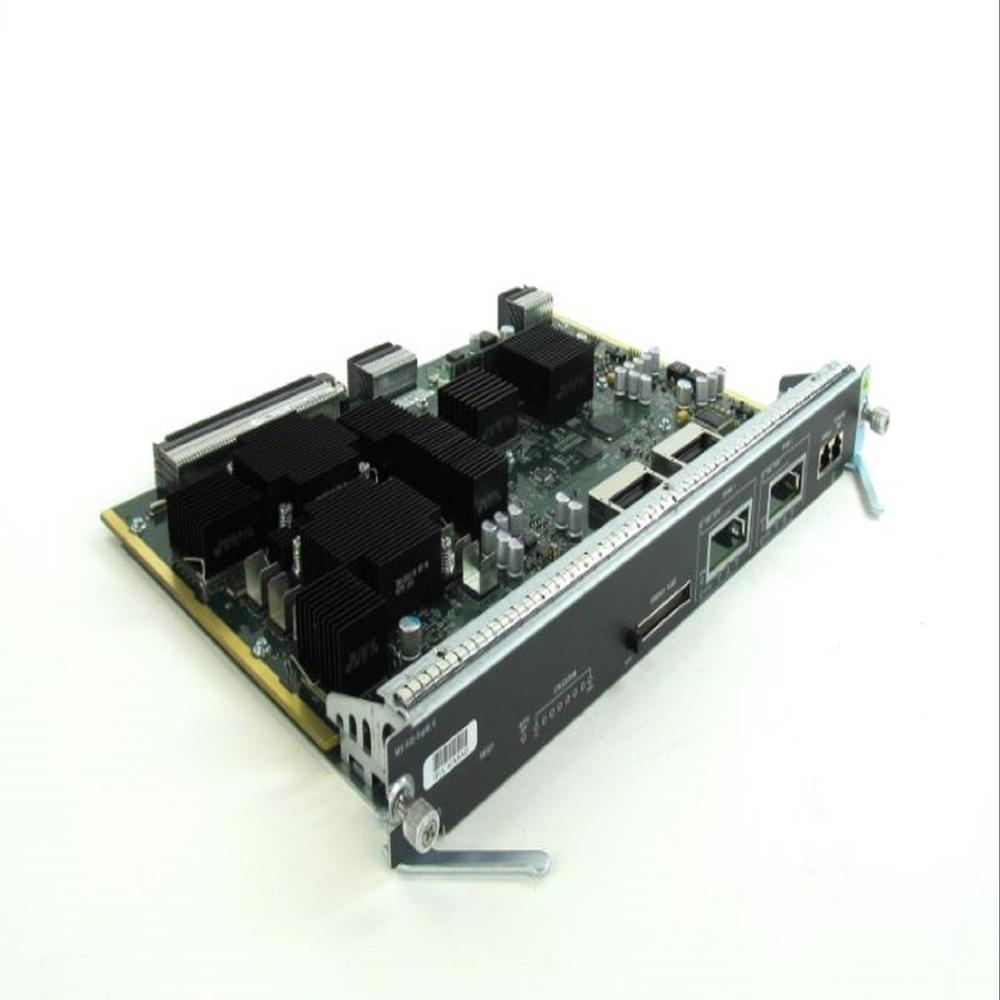
Cisco Supervisor Engine Ws-X6768-10Ge - I/O Cards Type: 10-Gigabit Ethernet Line Card (8-Port)
Price: 16000.0 INR
MOQ - 1 Piece/Pieces
Dynamic It Devices Private Limited
Gurugram, Haryana

Telecom Network Engineering - 1Gbps+ Bandwidth, ITU-T Compliant | IP/MPLS Design, AES-256 Security, Fast Deployment
A .v Comtel (p) Limited
Greater Noida, Uttar Pradesh

Telecom Network Engineering Services - Sub-Meter Accuracy, Coordinates & Photos | Site, RF & LOS Surveys, Expert Team, Timely Delivery
Krishko Telecom Services Private Limited
Ghaziabad, Uttar Pradesh