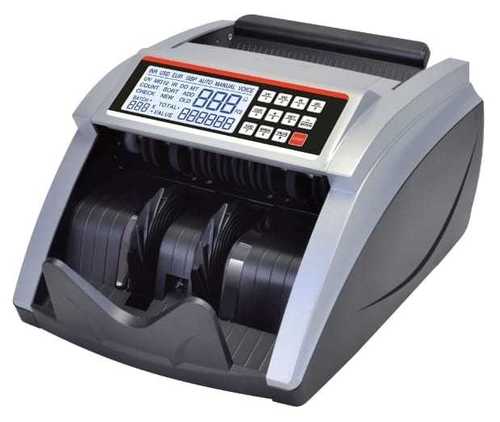
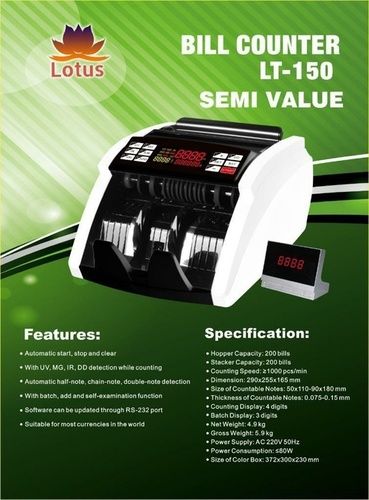
Bill Counter Machines
Get Latest Price

In Stock
Product Specifications
| Dimensions | 35X25X15 Cm |
| Weight | 5Kg |
| Material | Plastic, Metal |
| Power | 220V,50Hz |
| Display | Lcd |
| Counting Speed | 1000 Notes/Min |
| Features | Accurate Counting, Fake Detection, Fast Processing, Easy Operation, Durable Design, Multiple Functions, Batch Counting, Cost Effective |
Product Overview
Key Features
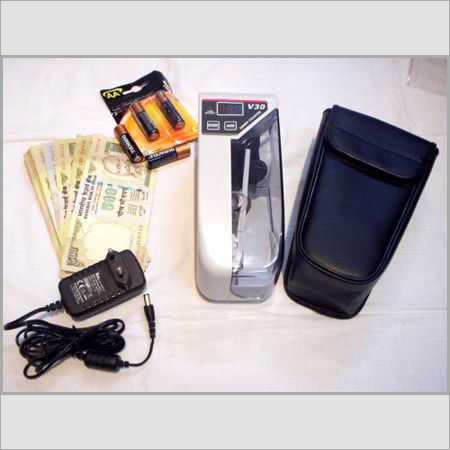
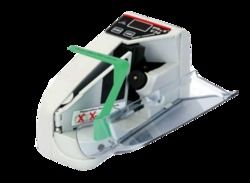
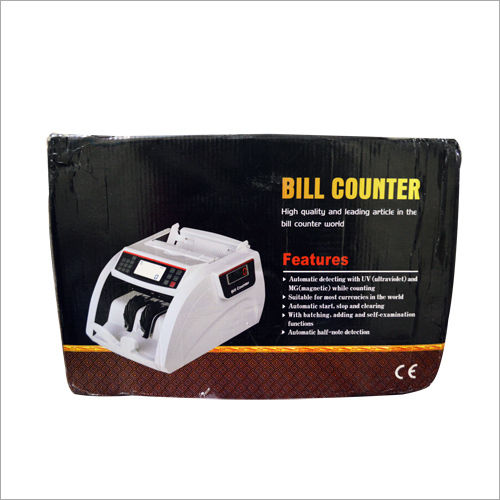
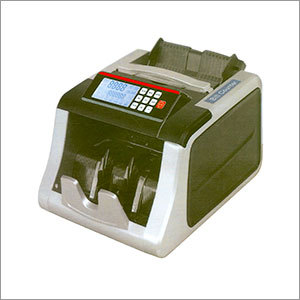
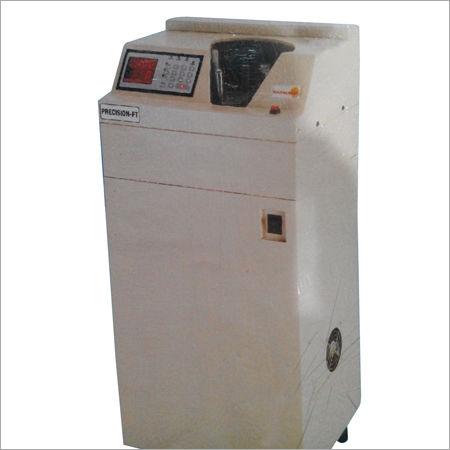
Empowered with huge industrial know how, we have positioned ourselves as a prime manufacturer and supplier of a wide gamut of Bill Counter Machines. Moreover, these counters are appreciated for their auto/manual working mode and size detection functions. These machines are manufactured keeping in mind all the set quality norms of the industry. Available at industry leading price, our range of Bill Counter Machines is best known for features such as sell examination function, sensitivity of detection, adjustable , dust cleaner for dusty note , accurate counting and so on.
INTE : "INTE" function is automatically turned on by default, when the machine is powered on. (UV,MG, MT 3D and IR are on automatically)
The machine will check out different denomination Indian bills by 3D &IR, when the counted bill denomination is different from the first counted bill value. At the same time, the machine will also check out Indian fake bills by UV &, MG,MT,3D, &IR. ( the old version Indian bills will be checked out automatically)
MIX : "MIX" function is turned on by pressing "UV:" Button, the machine can sum the total amount and total pieces of counted Indian bills, it will show the different denomination Indian Bill total pieces separately in LCD. The machine will check fake bills by UV, MG, MT3D&IR automatically, and the old version Indian bills will be checked out.
UV: "UV" function is turned on by pressing "UV:" button, the machine will check Indian fake bills by Ultra-Violet, the fake bills without UV feature will be checked out.
MG: "MG" function is turned on by pressing "MG" button, the machine will check Indian fake bills by Magnet, the fake bills without MG features will be checked out.
The machine is only suitable for checking Indian new version bills. (because Indian old version bills don't have MG feature )
NEW: "NEW" function is on by pressing "NEW" button, the machine can only be suitable for counting Indian new version bills. When "NEW" is off, the machine will be suitable for counting both new and old Indian bills.
ADD : "ADD" function is turned on by pressing "ADD" button, the machine will count the bills in adding.
BATCH: "BATCH" function will be turned on by pressing "BATCH" button, the machine will count the bills in batch.
By default, when pressing the "BATCH" button, the batch number is set to 100. By pressing it again, the batch number can be changed to be 50 the second time, and 20 the third time >
the batch number can e setted in the range from 1 to 999 by pressing "+" or "-" button.
Press the "+" or "-" button for more than 0.25 sec, the number will increase or decrease by 5 unit one time; while press the "+" or "-" with only a single and fast strokes, it will increase and decrease 1 by 1.
Under the batch counting mode, once the hopper is loaded, the machine will start counting and stop when the counted quantity reaches the preset batch number.
| Error Code | Cause | Solution |
| A | Suspicious bill with UV features | Remove the suspicious bill on the stacker, press "RESTART" to continue; Lower the UV sensitivity. |
| B | Suspicious bill without MG feature | Remove the suspicious bill on the stacker, press "RESTART" to continue; Lower the MG sensitivity. |
| C | Double note are counted as 1 Piece. | Remove the suspicious bill on the stacker, press "RESTART" to continue; Lower the IR sensitivity. |
| D | Different wide size bill is being checked out | Remove the suspicious bill on the stacker, press "RESTART" to continue; Lower the MG sensitivity |
| F | Half note is being checked out | Remove the suspicious bill on the stacker, press "RESTART" to continue; Lower the MG sensitivity. |
| E04 | Problem with hoper sensor. | Clean the sensor or replace it. |
| E01 | Problem with the counting sensor | Clean the sensor or replace it. |
| E03 | Problem with the code disc sensor | Clean the sensor or replace it. |
| E05 | Problem with the stacker sensor | Clean the sensor or replace it. |
Company Details
Focusing on a customer-centric approach, DIGITAL ELECTRONICS has a pan-India presence and caters to a huge consumer base throughout the country. Buy Banking Automation Products in bulk from DIGITAL ELECTRONICS at Trade India quality-assured products.
Business Type
Manufacturer, Supplier, Trading Company
Employee Count
18
Establishment
2012
Related Products
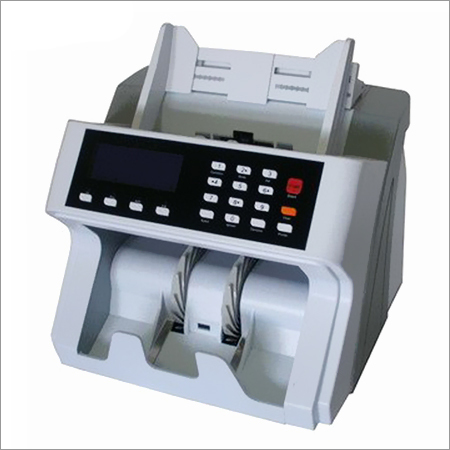
Commercial Bill Counter - Plastic Metal, 12x12x12 Inches, Led Display | Fast Counting, UV Detection, Batching, Error Detection, Low Maintenance, 2-Year Warranty
Rds Solutions Pvt. Ltd.
Kolkata, West Bengal
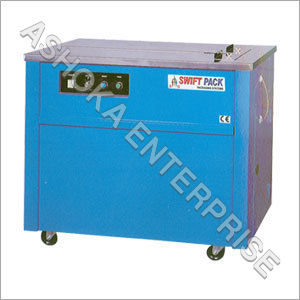
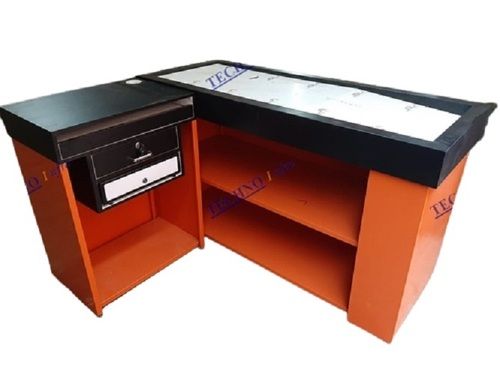
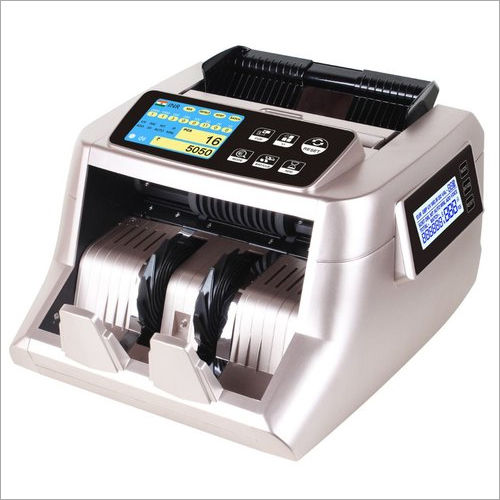
Note Counting Machine - Stainless Steel, Standard Size | High Efficiency, High Accuracy, LCD Display, Corrosion and Shock Resistant, Manually Controlled, Polished Finish, Easy Care
Price: 5000 INR
MOQ - 10 Piece/Pieces
Goldwin Bm Company
South 24 Parganas, West Bengal
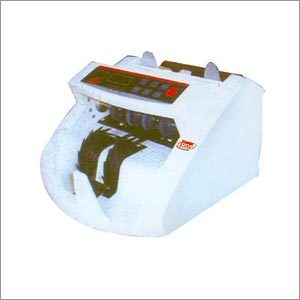
Bill Counter Machine - Dimensions: 289x240x155 mm | Features: >1000 pcs/min Speed, UV & Infrared Detection, Batching & Half-Note Detection, 300 pcs Hopper Capacity
Rds Solutions Pvt. Ltd.
Kolkata, West Bengal
Explore Related Categories


More Products From This Seller



Seller Details
Kolkata, West Bengal

Accepts only Domestic inquiries
Proprietor
Mr. S. K. Sharma
Address
154, 1st Floor, Lenin Sarani, Kolkata, West Bengal, 700013, India
bill counter in Kolkata
Report incorrect details