

Billing Machine
(686 products)
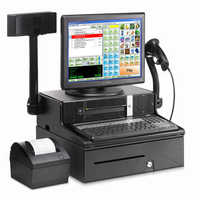


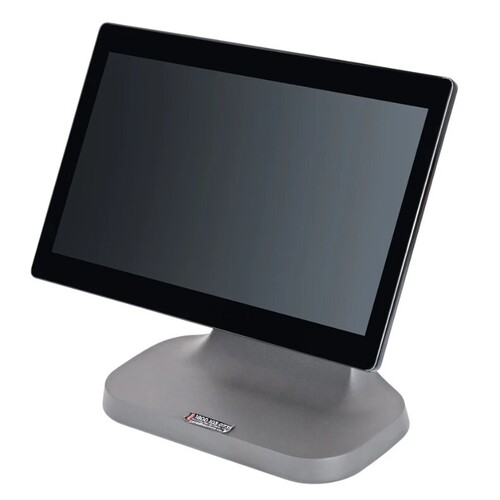
Essae Pos-816J Pos Touch Screen Memory Size: 4Gb Ddr4 Ram 1 X So-Dimm Slot (Expandable Up To 32Gb) Gigabyte (Gb)
Price Trend: 1.00 - 1.00 INR/Number
MOQ1 Number
Voltage12 Volt (v)
Power SupplyDC 12 V / 5 A , 60 W
Memory Size4GB DDR4 RAM 1 x SO-DIMM Slot (Expandable up to 32GB) Gigabyte (GB)
Screen Size39.6 Centimeter (cm)
InstallationManual
Weight5.3 Kilograms (kg)
Essae Teraoka Private Limited
Bengaluru
 Super Bonanza
 Trusted Seller
7 Years

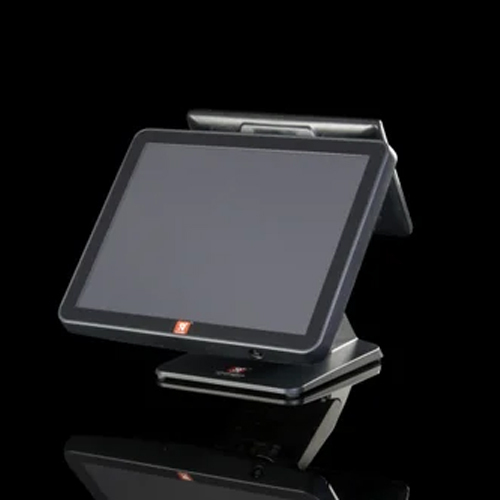
Advantech J1900 Touch Screen Pos System - Color: Black
Price: 25000 INR/Unit
MOQ10 Unit/Units
Power SupplyElectricity
InstallationNormal
ColorBlack
UsageCommercial
Screen Size15" Inch (in)
Global Infotech Solutions
Faridabad
Super BonanzaTrusted Seller4 Years
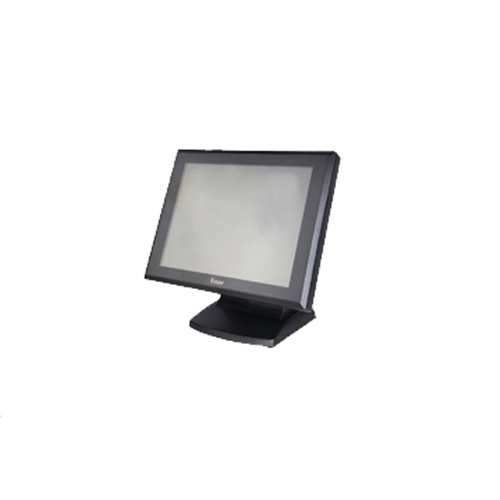
Pos-815J System - Color: Black
Price: 85900.0 INR/Unit
MOQ1 Unit/Units
Voltage220 Volt (v)
Power SupplyElectric
UsageCommercial
Memory Size128 GB SSD or 500 GB HDD Gigabyte (GB)
ColorBlack
Screen Size38.1 cm (15")TFT LCD with LED Backlight,Anti-glare Centimeter (cm)
Providence Industries
Vasai
 Premium Seller
2 Years

Posiflex Ps3616 - Screen Size: 15 Inch (In)
Price: 45000 INR/Piece
MOQ1 Piece/Pieces
Screen Size15 Inch (in)
UsageBilling
InstallationYes
Voltage220 Volt (v)
Power SupplyElectric
Honestattva It Solutions Private Limited
Ahmedabad
Super BonanzaTrusted SellerPremium Seller5 Years
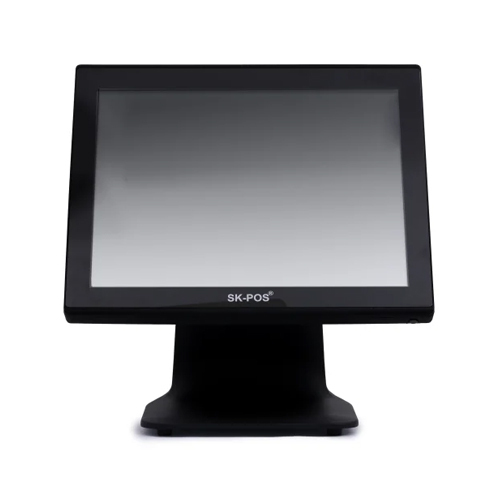
Mighty Sk-Pos Touch Pos System - Color: Black
Price: 55000.00 INR/Unit
MOQ1 Piece/Pieces
Printer TypePos System
Power SupplyElectric
InstallationNormal
UsageCommercial
ColorBlack
S K Technosys
Bengaluru
Trusted SellerPremium Seller3 Years
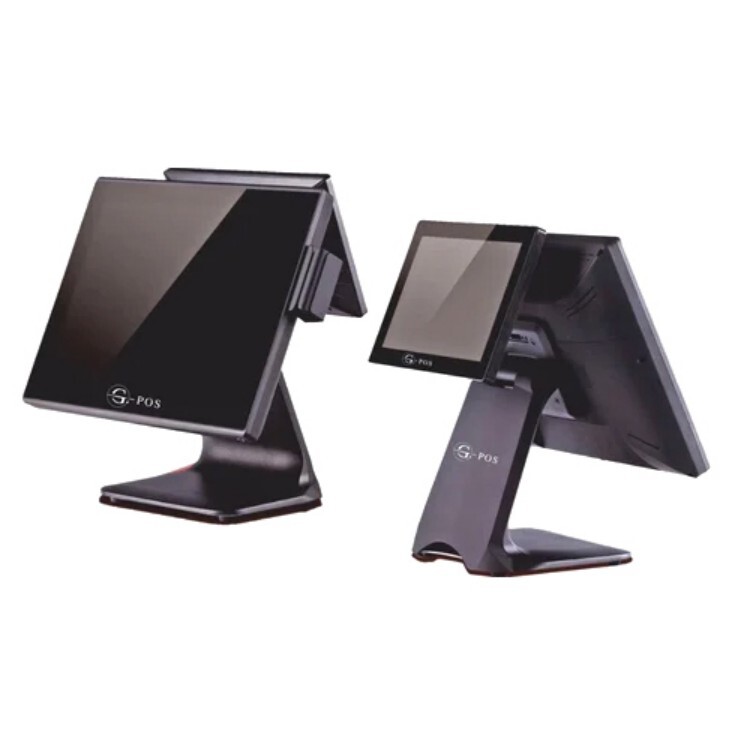
Restaurant G-Pos - Color: Black
Price: 60000.00 INR/Piece
MOQ1 Piece/Pieces
Product TypeRestaurant G-POS
ColorBlack
Power SupplyElectric
UsageCommercial
General UseCommercial
TypeAtm Card Reader
Acural Solutions Private Limited
Noida
Trusted SellerPremium Seller4 Years
Retsol RS-P 1450 POS SYSTEM RS-P1450 - Thermal Printer, Compact Design, USB Connectivity | Touch Screen, Card-QR-Cash Billing, Windows OS
Price: 38940 INR/Piece
MOQ1 Piece/Pieces
Product TypeDesktop POS
Printer TypeThermal
Gs Barcode Systems
New Delhi
Trusted Seller1 Years
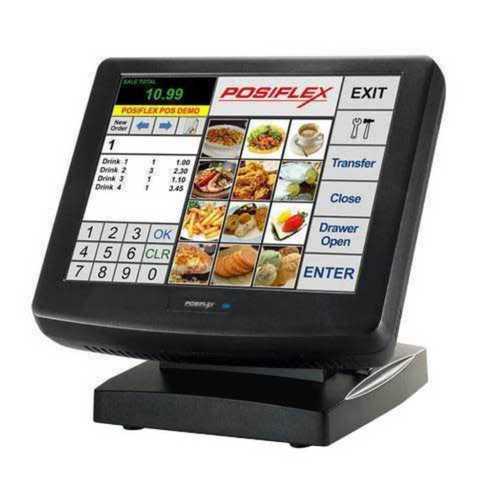
Smart Barcode Solution - Tablet POS System with 64 GB Hard Disk, 5.6 kg Weight, 5-Wire Resistive Touch Screen - Barcode, Waterproof, Anti-Counterfeit, Heat Sensitive, Holographic, Self-Adhesive, Antistatic Features
Price: 50000 INR/Piece
MOQ1 Piece/Pieces
FeatureBarcode, Waterproof, Anti-Counterfeit, Heat Sensitive, Holographic, Self-Adhesive, Antistatic, Scratch-Off, Moisture Proof, Recyclable, Scratch Off, Anti-Curl, Recycled Materials
Printer TypePoint of Sale System
TypeScanner
Main MaterialPlastic
SizeMedium
Power SourceElectric
Smart Barcode Solutions
Ahmedabad
Trusted SellerPremium Seller7 Years
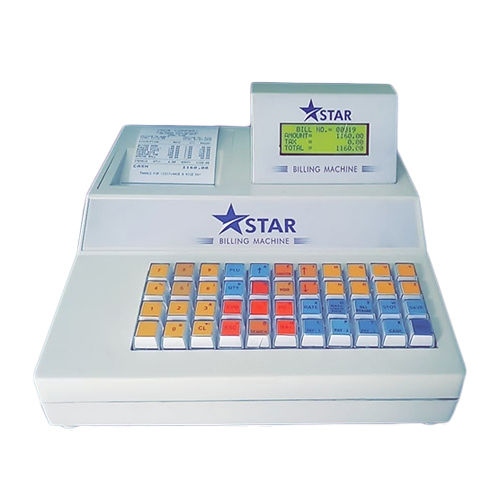
Naje- Star Electronic Billing Machine Voltage: 220-240 Volt (V)
Price: 17000 INR/Piece
MOQ1 Piece/Pieces
Power SupplyElctric
Product TypeBilling Machine
Voltage220-240 Volt (v)
UsageUses For Billing
InstallationTable Mount
Atset International
Ambala Cantt
Trusted SellerPremium Seller3 Years
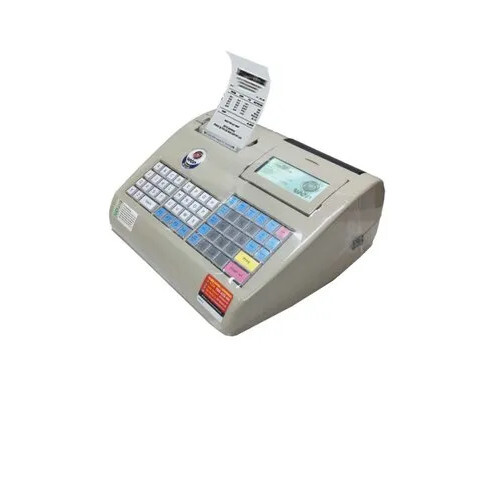
WEP Billing Machine with Printing Speed of 45mm/sec
Price: 17500 INR/Unit
MOQ1 Unit/Units
ColorWhite
Product TypeWEP Billing Machine
Paper Size3 Inches
Voltage200 Volt (v)
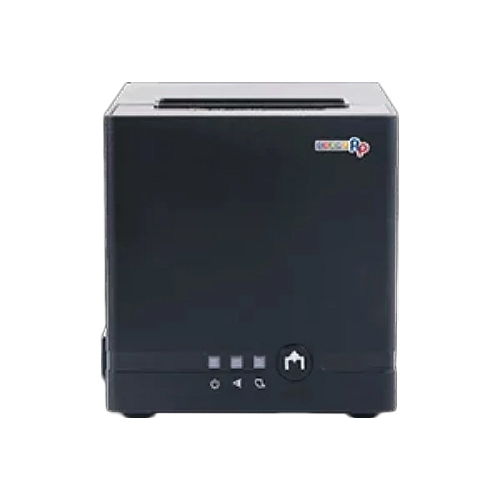
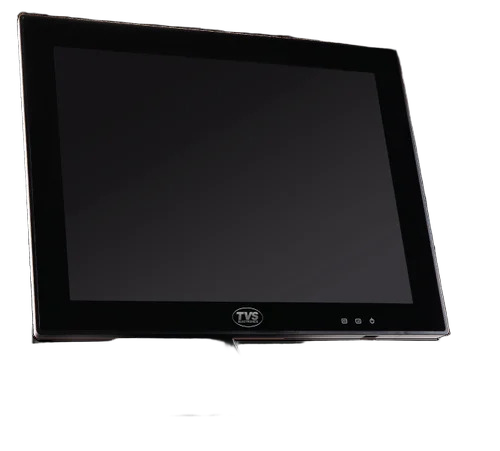
TVS Billing Machine - Electric Powered, 220-240 Volt, Sleek Black Design | Ideal for Supermarkets, High-Volume Transactions
Price: 9500 INR/Unit
MOQ1 Unit/Units
UsageSupermarket
Power SupplyElectric
ColorBlack
Voltage220-240 Volt (v)
WeightAs per available Kilograms (kg)
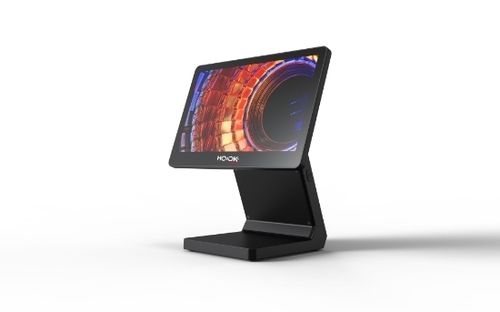
Hooks Alpha Pack Of 3 - Color: Black
Price: 125997 INR/Number
MOQ1 Number
ColorBlack
Printer TypePOS machine
UsageRetail, Commercial
Power SupplyElectric
Voltage220 Volt (v)
Wep Solutions Limited
Bengaluru
Trusted Seller3 Years
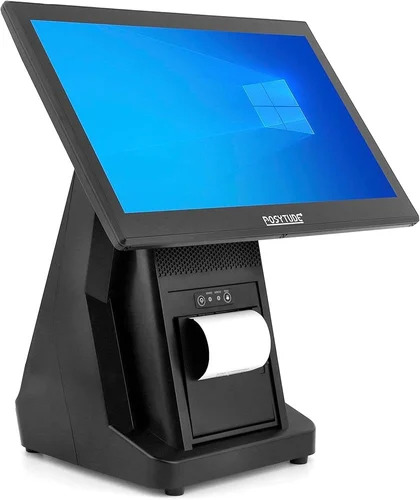
Desktop Point Of Sale Systems
Price: 30000 INR/Unit
MOQ1 Unit/Units
Product TypeDesktop POS
Screen Size10 inch
Printer TypeThermal
Viros Entrepreneurs
New Delhi
Trusted Seller1 Years
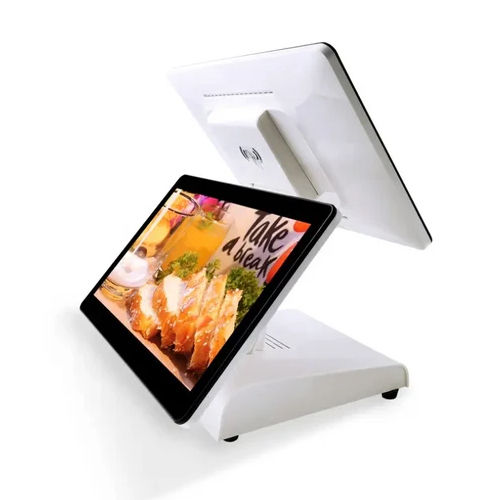
Pos Billing Machine - Color: White
Price: 12000.0 INR/Unit
MOQ1 Unit/Units
ColorWhite
Product TypeBilling Machine
Power SupplyElectric
UsageIndustrial
Voltage220-240 Volt (v)
Ktron
Bengaluru
Trusted SellerPremium Seller3 Years
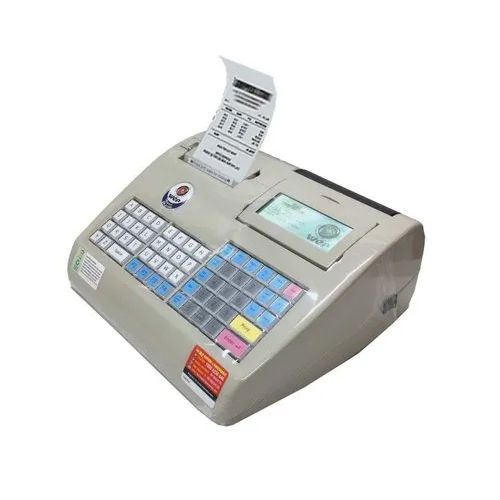
White Retail Shop Electronic Billing Machine
Price: 18500 INR/Piece
MOQ1 Piece/Pieces
Product TypeRetail Shop Electronic Billing Machine
ColorWhite
Voltage220 Volt (v)
UsageRestaurant
Marudhar Thread Mills
Jaipur
Trusted SellerPremium Seller4 Years
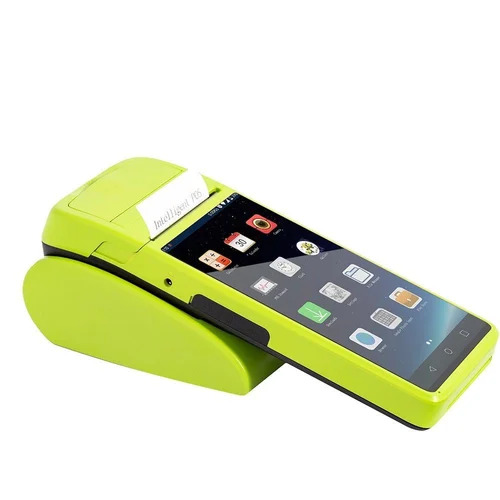
Sunmi Billing Machine
Price: 15000 INR/Unit
MOQ1 Unit/Units
UsageSupermarket
Screen Size5.45 inch
Paper Size58mm
ColorGreen
Weight~360 g
Current2A
Ultratech Barcode Solutions
Ahmedabad
1 Years
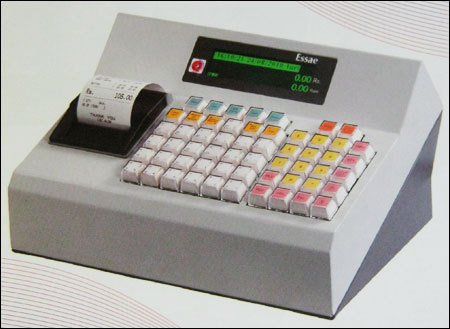
Billing Machine For Cash Counters
Product DescriptionWith the assistance of our team of professionals, we are engaged in offering a broad array of Billing Machine for Cash Counters. Offered machines are manufactured from world class raw materials and leading-edge technologies to be sure its long lasting performances
Annanya Industrial Equipments
Gurugram
10 Years
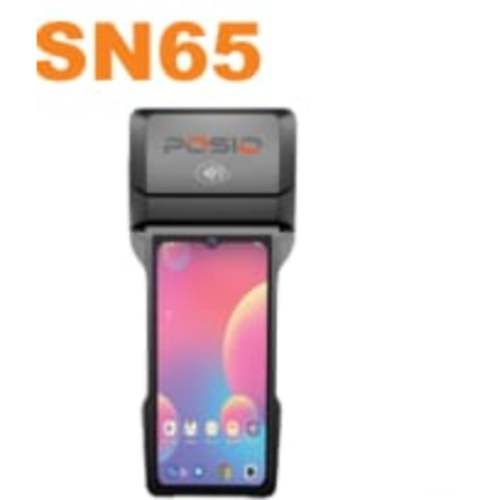
Posio Sn65 - Color: Black
Price: 20000.0 INR/Piece
MOQ100 Piece/Pieces
Paper SizeBuilt-in 80mm thermal printer, Max paper roll diameter: 50mm
Voltage5 Volt (v)
ColorBlack
Screen Size6.5 Inch (in)
Memory Size3 Gigabyte (GB)
Current2 Ampere (amp)
Synergic Softek Solutions Pvt. Ltd.
Kolkata
Trusted Seller2 Years
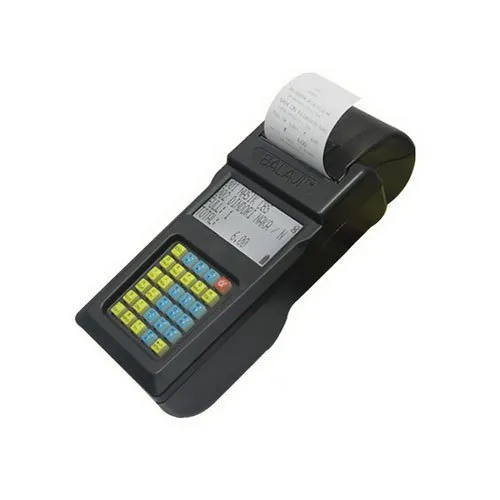
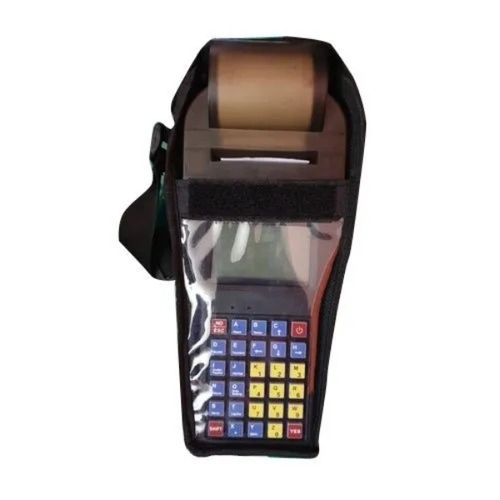
Hand Held Toll Bill Collection Machine - Color: Black
Price: 12500.0 INR/Unit
MOQ1 Unit/Units
ColorBlack
Power SupplyElectric
WeightAs per available Grams (g)
UsageIndustrial
InstallationManual
Anshul System Repair And Safety Services
Indore
Trusted Seller2 Years
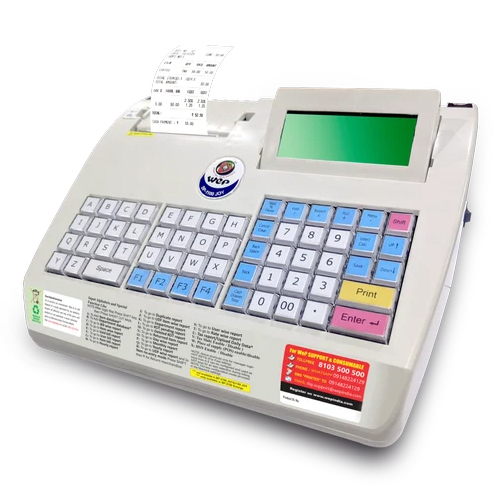
Wep Bp 2100 Joy Billing Machine - Color: White
Price: 23500 INR/Piece
MOQ1 Piece/Pieces
Weight500 GSM (gm/2)
Power SupplyBattery
Printer TypeDigital
UsageRestaurant
ColorWhite
Voltage270 Volt (v)
Tarun Traders Automation & Software
Indore
Trusted Seller2 Years
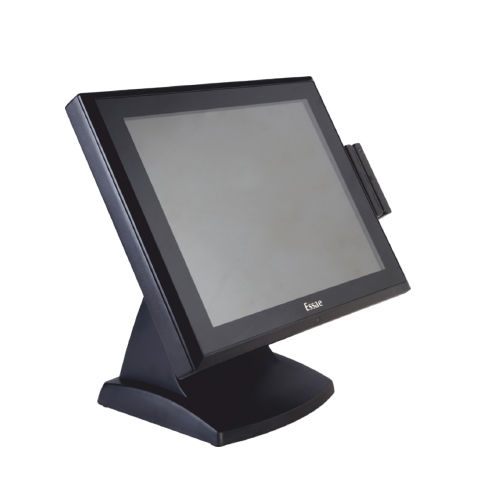
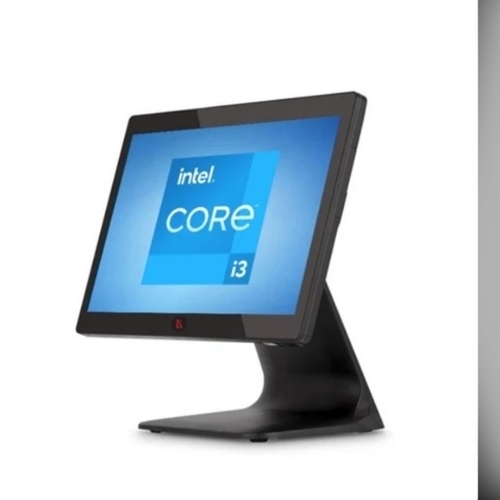
Pos-615 Core I3 11Th Gen Processor Pos System - Screen Size: 1024 X 768 Centimeter (Cm)
Price: 59000.0 INR/Piece
MOQ1 Piece/Pieces
UsageBilling
Voltage220-240 Volt (v)
Product TypePos System
Power SupplyElectric
Cash DrawerNo
Screen Size1024 x 768 Centimeter (cm)
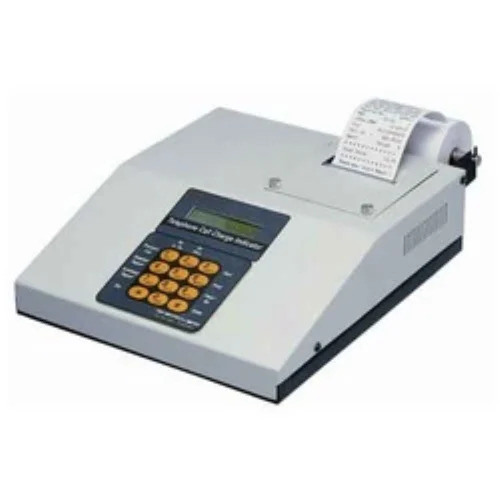
Pco Std Machine - Color: White
Price: 10000 INR/Piece
MOQ1 Piece/Pieces
UsageIndustrial
Voltage215 Volt (v)
CPUN/A
Product TypePCO Std Machine
Power SupplyElectric
ColorWhite
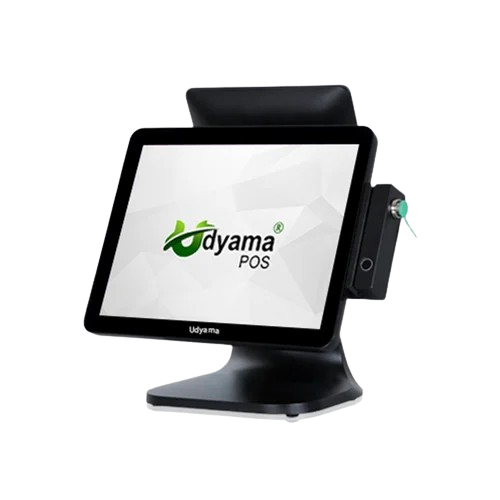
Udyama Pos Touch Screen - Color: Black
Price: 35000 INR/Unit
MOQ1 Unit/Units
Voltage220-240 Volt (v)
UsageCommercial
ColorBlack
InstallationPlug-and-Play / Software/App Installation
Screen Size12 Inch (in)
Power SupplyElectric
Analog Technical Solutions
New Delhi
2 Years
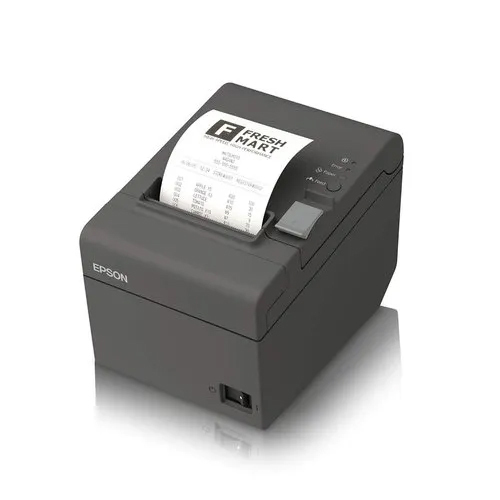
T82Ii Epson Usb Thermal Printer - Color: Black
Price: 122000 INR/Unit
MOQ1 Unit/Units
Printer TypeThermal Printer
ColorBlack
UsageIndustrial
InstallationManual
Power SupplyElectric
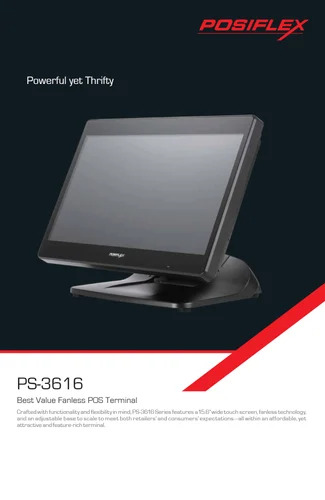
Posiflex Touch Pos System - Color: Black
Price: 48500 INR/Unit
MOQ1 Unit/Units
InstallationTable Top
Power SupplyElectric
ColorBlack
Voltage220 Volt (v)
UsageCommercial
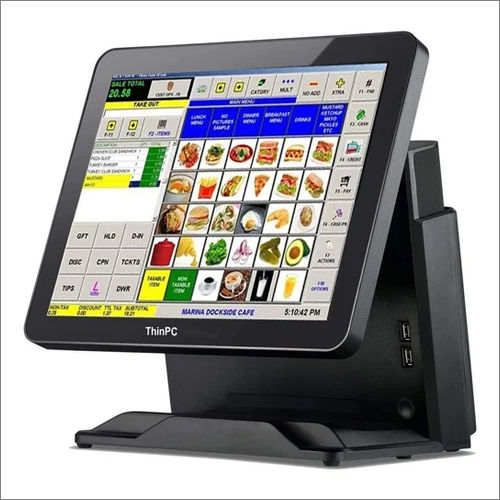
Black Thinpc 156C-J1900 Pos Touch Screen
Price: 35000 INR/Unit
MOQ1 Unit/Units
Voltage12 Volt (v)
ColorBlack
Current5 Ampere (amp)
UsageCommercial
Printer TypeThinPC 156C-J1900 POS Touch Screen
Power SupplyElectric
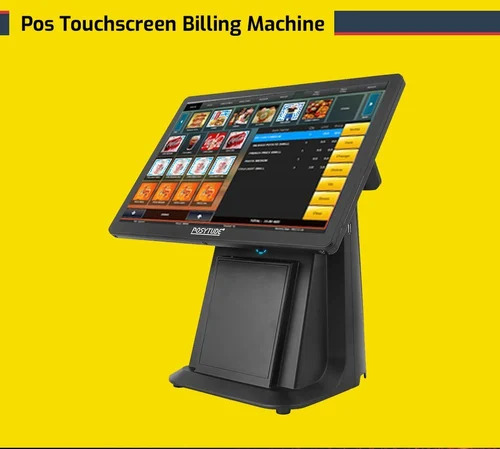
Pos Touchscreen Billing Machine - Color: Black
Price: 48000 INR/Unit
MOQ1 Unit/Units
Memory Size4 GB RAM Gigabyte (GB)
CPUIntel Celeron J1900 Quad Core
Voltage110-240V Volt (v)
Printer TypeThermal printer built-in
Product TypeStandalone POS Touchscreen Billing Machine
ColorBlack
Zaravya Informatics Private Limited
Hyderabad
1 Years
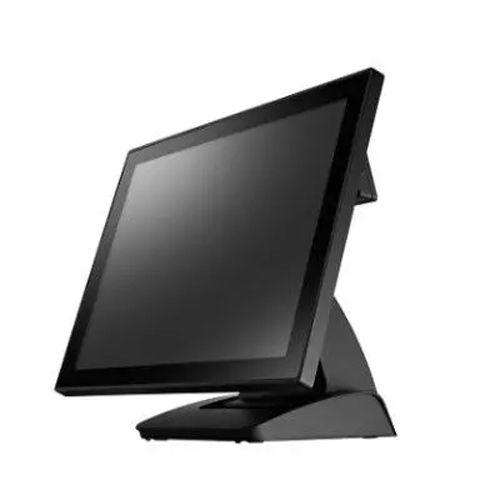
15-Inches Full Flat Pos System Hardware - Color: As Per Req.
MOQ1000 Unit/Units
Screen Size15 Inch (in)
Power SupplyElectric
Product Type15-inches Full Flat POS System Hardware
ColorAs per req.
InstallationFree standing
UsageCommercial
Fametech Inc.
Taipei
Trusted SellerPremium Seller3 Years
Latest From Billing Machine
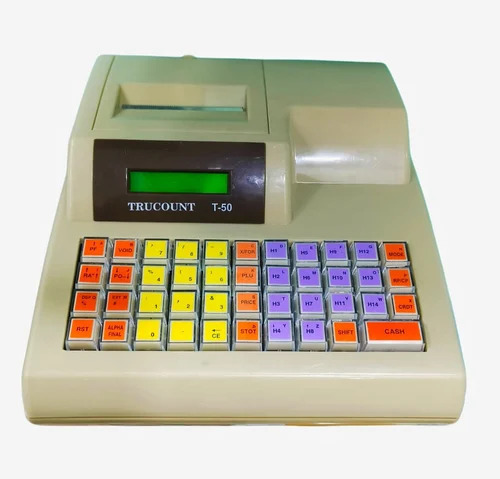
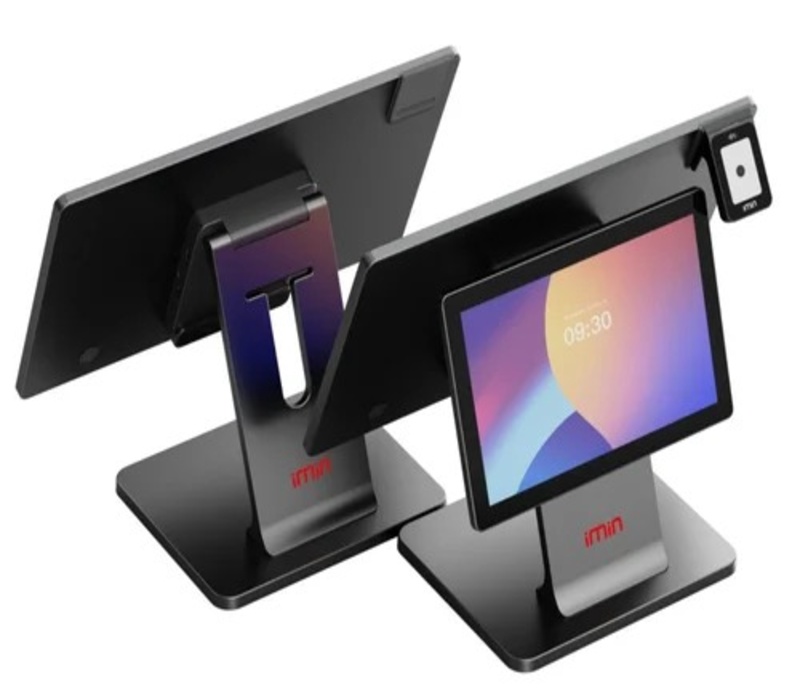
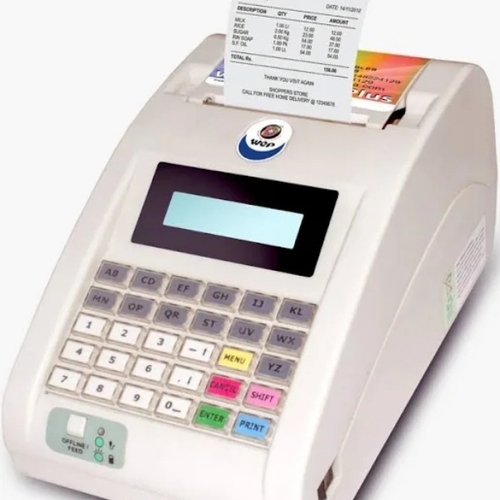
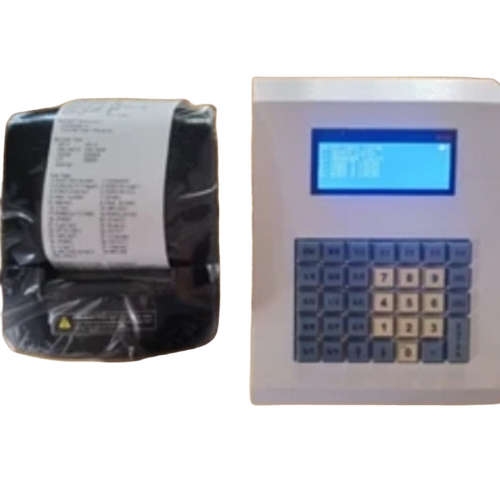
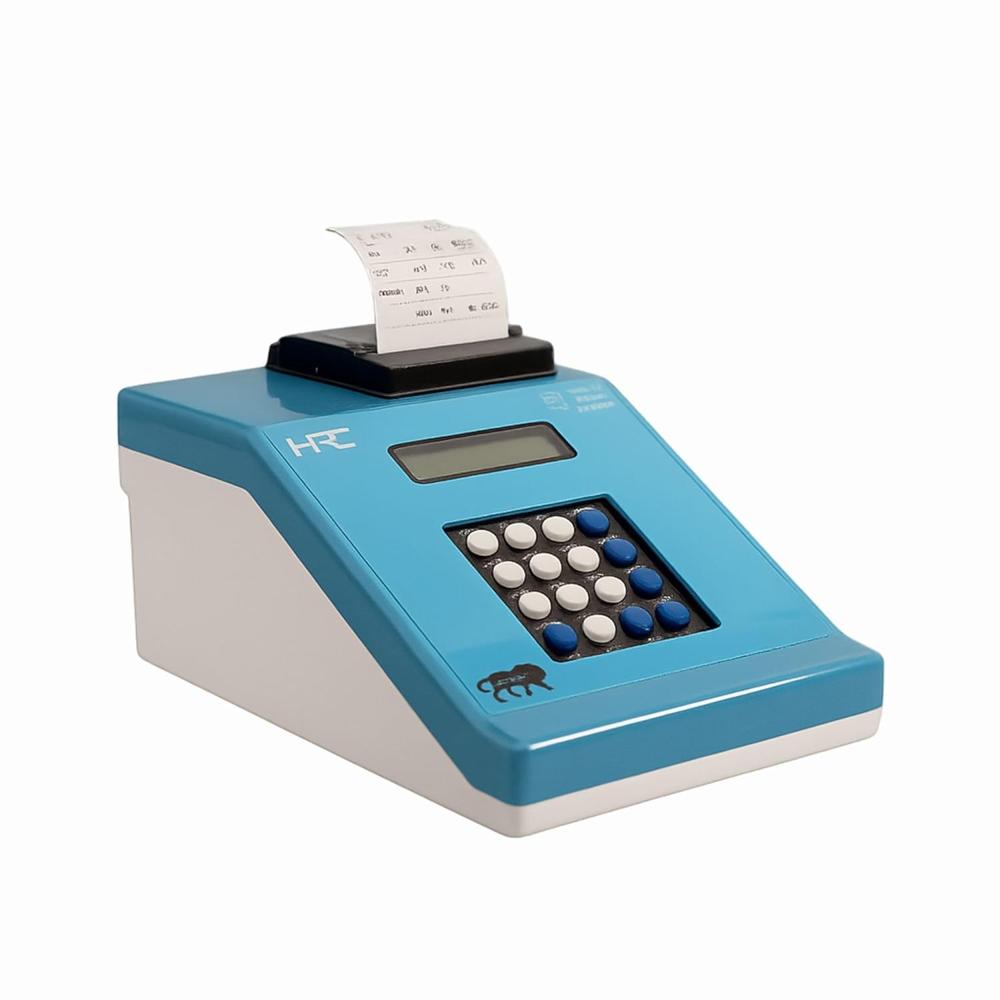
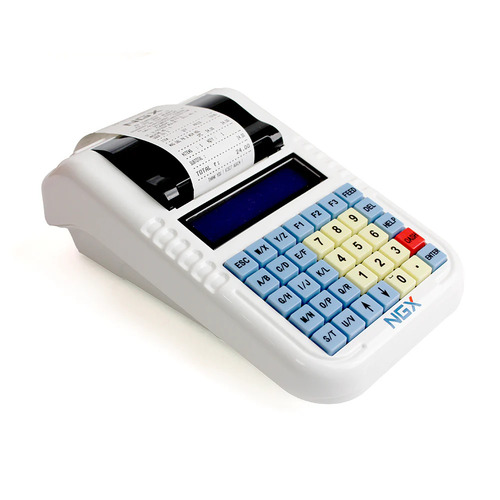
Popular Billing Machine

Introduction Of Billing Machine
A billing machine is a device created especially to produce customer bills. It produces invoices and stores a copy of each one in its database. There are many different kinds of billing devices on the market, including portable, automatic, handheld, and bus ticketing devices.
When a seller, such as a business, institution, or association, delivers its bills or invoices through the internet, clients can pay the bills online. This is known as electronic billing.
While its exact roots are unknown, it is generally accepted that the emergence of electronic billing and transactions began in the late 20th century and coincided with the advent of the Information Age.
How Does a Billing Machine Work?
The input, procedure, output, and storage components of computers are comparable to the payment processor used in businesses with billing machines.
1. Input
The billing device has input hardware. It might be a touch-screen computer, keyboard, or mouse. Suppliers can enter the products for invoicing using this hardware. It includes opportunities for offer type, methods of delivery, and payment methods.
2. Process
An embedded restaurant point-of-sale system automatically calculates the total amount based on established product prices, taxes, and discounts. The complete set of information is formatted and sent for output. It is additionally integrated with swipe readers and payment gateways for processing payments.
3. Output
The payroll accounting machine's output is often printed on a thermal printer or saved as a file for later use. Additionally, today's billing machine displays output on the screen and sends it by SMS or email. In the event of card payment, the swiping machine also generates a little receipt.
4. Storage
The bill generation device also records all of the bills' information in the system for further use. POS systems organize and record all transaction data so that it can be used for audits or any disagreements about invoices.
5. Customization
A billing device that allows for personalization aids in the income growth of food outlets. The most popular foods or any product can also be prioritized, launch special campaigns, and developing a company’s brand image.
6. Integrations
Any efficient POS system must integrate with accounting, ERP, payment gateways, and inventory applications. It aids in streamlining all company activities.
Steps To Use The Billing Machine:
- Turn on the billing machine.
- Use the keypad to enter the item's code when the buyer requests to purchase a certain item.
- Press "Enter" after entering the item's code.
- Describe the amount. This figure indicates how many products the client purchased.
- Look up the details on the screen to see if you entered the correct numbers.
- Once you've finished, click "Print." You can hand the buyer the bill once it is ready.
Types of Billing Machine
1. Electronic Billing Machines
Electronic billing machines (EBMs) give revenue authorities the ability to keep an eye on official business activities, perhaps improving VAT compliance. EBMs, however, do not provide genuinely impartial filing taxes and have thus only partially benefited tax collection since businesses have the option of choosing not to give receipts or to produce fraudulent receipts.
Benefits:
Even though it isn't the most efficient, the electronic billing machine is the most widely used
They are mobile and have batteries as well as a display bar.
This variety is more useful in stores, lodging facilities, or any other location where you can give them some room.
2. Automatic Billing Machines
Automatic bill payments are periodic funds transfers that a consumer authorizes to regularly pay specific vendors. Users frequently set up payments to be sent every month for a variety of bills, including their mortgage, credit card bills, term loans, mobile phone bills, water and electricity bills, streaming subscriptions, etc.
Benefits:
The automated equipment includes algorithms and software that tally up taxes and automatically subtract refunds. Since they are quick and precise, these billing machine types are the most effective of all.
Additionally, they don't require any extra instructional instructions.
3. Card Swipe Machines
This kind of device's function is to read cards so that customers can pay with a credit card. They include a keypad that users can use to enter their card's PIN and get a bill in return.
Several distinct card swipe machine models can be used for various tasks, including card swipe machines for sale, rent, and purchases.
4. Portable Billing Machines
The finest billing machine for a lot of activity in this model.
They are versatile and easy to maneuver.
The finest representations of this category are portable devices or bus ticketing machines.
Features Of An Effective Billing Machine
- The following qualities should be present in an efficient billing device:
- It makes creating bills quick and simple.
- It keeps meticulous records of payments and flags those that are past due.
- It safely obtains the client account information and discount points from its database.
- It is inexpensive. When considering the long term, one should spend money on quality billing software because it will end up costing the company less overall.
- Each item and service it provides has a billing code. Codes make it possible to determine the most popular items with buyers. Providing codes aids with inventory management as well.
- It accepts several payment methods, including Paytm and plastic money.
Advantages Of Using Billing Machine
Utilizing these devices has various advantages, some of the most important of which are as follows:
1. Make It Easier To Use Plastic Money
Credit and debit cards can also be swiped on billing devices. The need for these tech devices has significantly increased as a result of the widespread use of plastic money. These devices allow for direct card swipes and the transmission of a verification message to the consumer and the bank. It has an internal battery that provides more than 12 hours of backup power.
2. Accessibility To Account Holders Is Simple
With the aid of these gadgets, customer accounts may be accessed pretty easily. These devices have a 2000-entry storage capacity, and information retrieval is fairly simple.
3. Usb Drive Compatibility
Most of these devices also have USB pen drive compatibility, which raises their efficiency and dependability even more.
4. Print Details
Utilizing these devices has the additional important benefit of being able to print the regular financial record depending on the product or account. The needed details can therefore be retrieved relatively easily.
5. Enables Weighing And Barcode Scanners
The fact that it integrates computers, scales, and barcode devices is another noteworthy advantage.
6. Suitable For A Variety Of Uses
Billing machines are helpful for many things, like billing, generating tickets, collecting money, etc. It makes printing bills easier and requires less work.
7. Reliable
The likelihood of error is reduced by billing machines. Each new bill is updated automatically after the necessary data is inserted into the system, requiring no further work.
8. Higher Revenue
The low-hanging fruit of delayed and unsuccessful transactions can be easily collected with the use of an AR automation billing system when they result in lost sales, donations, or clients.
You may easily catch transactions that fail due to simple mistakes like expired cards or particular times by automated early-stage debt collection actions like dunning emails and transaction retries, which will help you recover more money with less work.
9. Save Time And Money
Although your automated billing system is fantastic, any time-consuming manual operation (like sending collections emails) is susceptible to errors made by humans. In reality, a recent Gartner analysis indicated that using automation solutions in daily operations could save finance organizations up to 25,000 hours of needless rework. Automation essentially prevents payments from slipping between the gaps.
10. Give Customers a Consistent Experience
Every interaction with a customer offers the chance to establish a lasting, unbreakable bond. However, you may be passing up chances to improve the customer experience if your receivables activities are concentrated on the laborious task of collecting late or unsuccessful payments.
Automation enables you to provide the seamless customer experience they demand and frees up your team to concentrate on the few clients needing a high-touch approach.
First-party collections, which involve bringing your collection process in-house to gain better control over your customer databases and lessen dependence on third-party debt collection services, is a typical example of how automation may be used to enhance the experience for customers (and save money too).
FAQs: Billing Machine
Q: What is the cost of the billing machine?
Ans: Between August 24 and July 25, the pricing of Electronic Billing Machine goods at tradeindia.com ranges from Rs 12,000 to Rs 16,750 per piece.
Q: Which is the best billing machine?
Ans: Most Indian companies use the following billing machines:
Casio Thermal Print Cash Register
Everycom EC-58 58mm USB Direct Thermal Printer
WEP BP-20 Standalone Billing Machine
AISWORLD Electronic Cash Register Billing Machine
Epson TM-T8211 (USB+ Serial POS Printer)
Q: How is a billing machine used?
Ans: Billing machines are helpful for many things, like billing, generating tickets, collecting money, etc. It makes printing bills easier and requires less work. They are easily connectable to devices like computers, barcode scanners, Wi-Fi, USB printers, etc. This makes things go more quickly.
Q: Which Sectors commonly use billing machines?
Ans: The billing machine is widely used in hotels, shopping malls, Small shops and departmental stores, Petrol pumps, the Travel industry, Hospitals, Enterprises, and others.
Manufacturers & Suppliers of Billing Machine
Company Name | Member Since |
|---|---|
Annanya Industrial Equipments Gurugram, India | 10 Years |
Essae Teraoka Private Limited Bengaluru, India | 7 Years |
Smart Barcode Solutions Ahmedabad, India | 7 Years |
Honestattva It Solutions Private Limited Ahmedabad, India | 5 Years |
Eunique Solutions Ghaziabad, India | 5 Years |
Global Infotech Solutions Faridabad, India | 4 Years |
Acural Solutions Private Limited Noida, India | 4 Years |
Savar Kundla Scales Raipur, India | 4 Years |
Marudhar Thread Mills Jaipur, India | 4 Years |
S K Technosys Bengaluru, India | 3 Years |




© 1999-2026 Infocom Network Private Limited. All rights reserved.